 Manager
Most bloggers do not actively choose a content management system — they inherit one. A friend suggests WordPress, a hosting provider installs it by default, and suddenly your writing depends on a platform you never really evaluated. It works at first, but over time small frustrations appear: the site feels slower, updates become stressful, and adding simple features leads to a growing collection of plugins. This article compares WordPress and Winter CMS from a blogger’s perspective, focusing on how each platform shapes the writing and publishing experience, affects site reliability and speed, and influences long-term control — even for creators who never touch code.
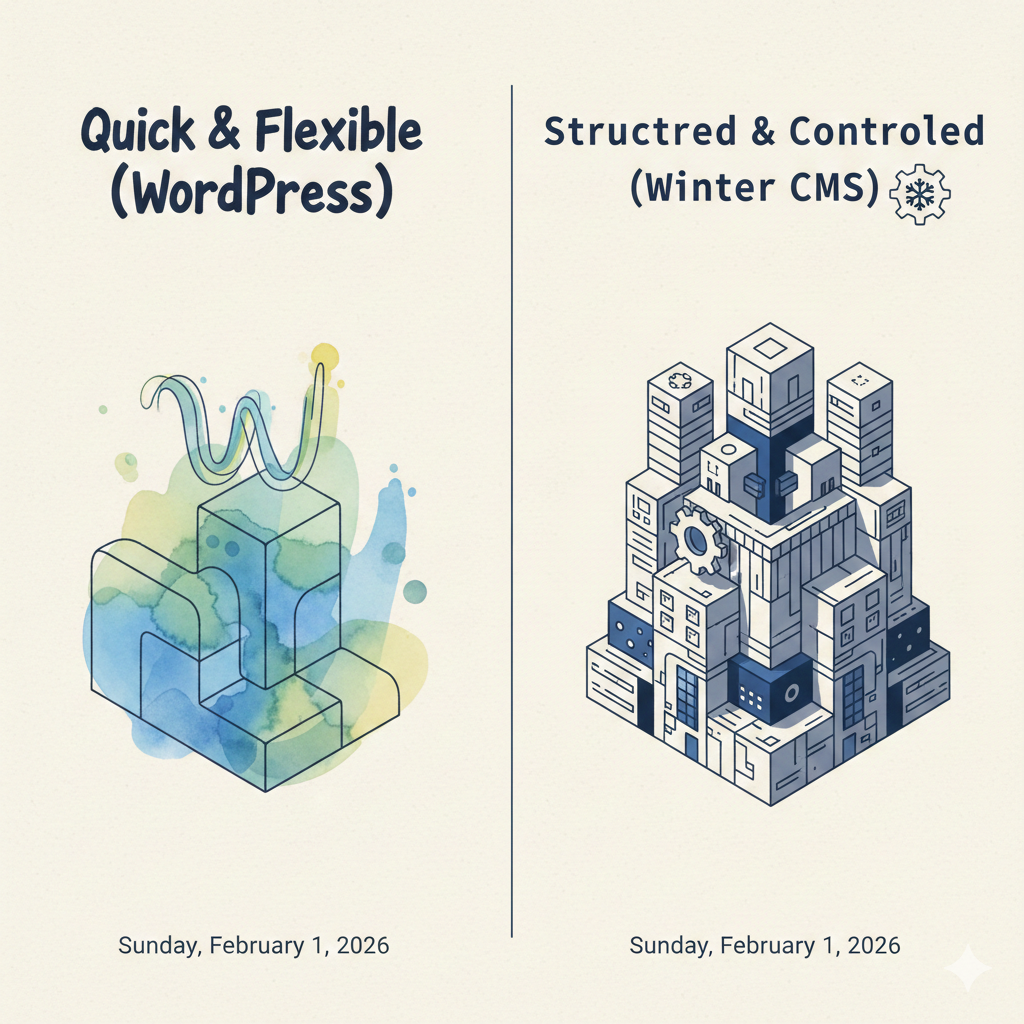
While WordPress and Winter CMS both allow you to publish content online, they are built with very different priorities. WordPress focuses on convenience and immediate usability, offering a familiar dashboard and thousands of ready-made themes and plugins. Winter CMS, on the other hand, is designed around structure and clarity, separating content, layout, and functionality more strictly. For bloggers, this difference may not be obvious at the start, but it strongly influences how easy it is to manage posts, maintain the site, and adapt as the blog grows.
Writing & Publishing Experience
For most bloggers, the writing interface is where everything begins. WordPress offers a block-based editor that makes it easy to format text, insert images, and embed media without much learning. It is designed to feel familiar to users of modern document tools, which helps new bloggers get started quickly. Winter CMS approaches writing differently by separating content fields from page layout, which can feel less visual at first but provides more consistency over time. For bloggers who value simplicity, WordPress feels immediately comfortable, while Winter CMS rewards those who prefer a more structured and predictable way to manage their posts.
Setup & First Launch
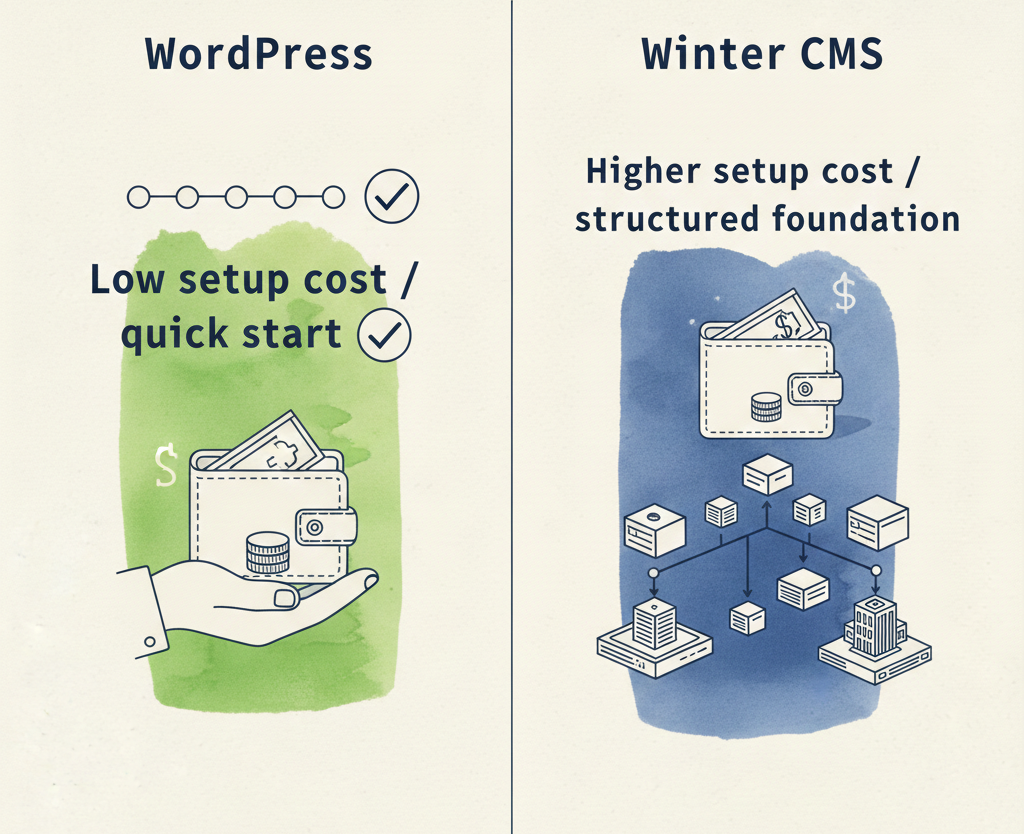
Launching a blog quickly is often a priority for new writers, but in many cases the initial setup is handled by someone else — a hosting provider, a freelance developer, or a web agency — rather than the blogger personally. This means the choice of platform can directly affect both cost and long-term dependence on external help. WordPress is widely supported by hosting services and can usually be installed with a single click, keeping setup fees low or even included in hosting plans. Many providers also bundle ready-made themes and basic features such as contact forms or SEO tools. Winter CMS typically requires a more intentional setup, where the site’s structure is prepared before content is added, which can involve higher upfront fees when professional help is needed. However, this early investment often results in a clearer content model and fewer structural changes later. Even when bloggers are not responsible for the technical work, these setup decisions shape how much they pay initially and how easily they can manage the site afterward.
Design & Themes
Visual identity is important for bloggers, and the ability to change a site’s appearance without rewriting content is a major advantage of modern CMS platforms. WordPress offers a vast library of ready-made themes, many of which are designed specifically for blogging and can be installed or replaced with minimal effort. This makes it easy to refresh the look of a blog or follow design trends over time. Winter CMS approaches design in a more controlled way, separating layout components from content and encouraging consistent styling across pages. While it has fewer off-the-shelf themes, this structure reduces the risk of visual breakage when content changes and makes long-term design consistency easier to maintain. For bloggers, WordPress prioritizes choice and speed, while Winter CMS prioritizes stability and coherence in how content is displayed.
Plugins & Extra Features
Most bloggers rely on additional tools beyond basic writing, such as search engine optimization, contact forms, analytics, and social media sharing. WordPress provides access to an enormous plugin ecosystem that makes these features easy to add with only a few clicks. This convenience allows bloggers to expand their sites without technical work, but it also increases complexity as each plugin introduces its own updates, settings, and potential conflicts. Winter CMS supports extensions as well, but encourages features to be integrated more deliberately into the site’s structure rather than layered on top through numerous add-ons. For bloggers, this means WordPress offers faster access to new capabilities, while Winter CMS trades immediacy for a cleaner and more predictable system over time.
Speed & Reader Experience
The performance of a blog directly affects how readers experience its content. Pages that load slowly or behave inconsistently can discourage visitors from staying and returning. WordPress sites often depend on multiple plugins and themes, which can increase page size and processing time if not carefully managed. While performance can be optimized, it usually requires additional configuration or paid services. Winter CMS is typically deployed with a simpler and more focused feature set, which can result in faster page delivery and more predictable behavior under load. For bloggers, this difference is felt not in technical terms but in how responsive the site feels to readers and how well it performs on mobile devices.
Security & Peace of Mind
Security is rarely a blogger’s main concern until something goes wrong. Because WordPress is extremely popular, it is a frequent target for automated attacks; not to mentioned the flood of comments spams, especially through outdated plugins or poorly maintained themes. This makes regular updates and backups essential, but also introduces anxiety when applying changes that might affect site stability. Winter CMS, with a smaller ecosystem and more controlled extension model, presents a smaller attack surface and fewer moving parts. While no system is immune to risk, bloggers using Winter CMS may experience fewer emergency situations related to third-party components. In practical terms, WordPress requires more vigilance, while Winter CMS favors quieter and more predictable operation.
Growth & Future Flexibility
Many blogs begin as personal projects but later evolve into platforms for newsletters, products, or communities. The ability to grow without restructuring the entire site becomes increasingly important over time. WordPress supports a wide range of content types and monetization tools, but these are often introduced through additional plugins that reshape the system incrementally. Winter CMS encourages content to be modeled more deliberately from the beginning, which can make future expansion more coherent and less disruptive. For bloggers who anticipate long-term growth, the difference lies in whether new features feel like natural extensions of the site or added layers that must be maintained separately.
Ongoing Maintenance
Maintaining a blog involves more than writing new posts. Updates, backups, and occasional troubleshooting are part of long-term ownership. WordPress’s frequent updates and large plugin ecosystem mean that maintenance is an ongoing activity, especially when compatibility issues arise. Some bloggers rely on managed hosting or paid support services to handle these tasks, which adds recurring costs. Winter CMS typically involves fewer updates and a smaller number of extensions, reducing the number of elements that can fail independently. This can lead to a lower maintenance burden, particularly for blogs that prioritize stability over constant feature expansion.
Learning Curve for Non-Developers
From a blogger’s perspective, ease of learning affects confidence and independence. WordPress offers a familiar interface with extensive tutorials and community support, making it approachable for first-time users. However, as more plugins and customization options are added, the system can become harder to understand as a whole. Winter CMS may appear less intuitive initially, especially when content is structured into specific fields and sections, but this clarity can reduce confusion once the system is understood. The trade-off is between immediate familiarity and long-term conceptual simplicity.
When WordPress Makes Sense
WordPress is well suited for bloggers who want to start quickly, experiment with design, and rely on a wide range of ready-made tools. It works particularly well for personal blogs, lifestyle sites, and projects where rapid publishing and visual flexibility are more important than structural consistency. Bloggers who value community support and minimal upfront investment will find WordPress accessible and adaptable to many situations.
When Winter CMS Makes Sense
Winter CMS is more appropriate for bloggers who value organization, consistency, and long-term control over how their content is managed and displayed. It suits projects where content structure matters, such as educational blogs, documentation-style sites, or publications with multiple contributors and clear editorial rules. While it may require more planning at the beginning, this approach can reduce future complexity and support steady growth without constant reconfiguration.
Final Comparison & Recommendation
Choosing between WordPress and Winter CMS is less about which platform is better and more about which priorities matter most to the blogger. WordPress emphasizes speed, choice, and immediate usability, making it attractive for fast launches and creative freedom. Winter CMS emphasizes structure, predictability, and long-term coherence, appealing to bloggers who want their platform to remain stable as content expands. Even for non-developers, these design philosophies shape everyday experiences such as writing, updating, and maintaining a blog. A thoughtful choice at the beginning can reduce frustration later and allow bloggers to focus more fully on the work that matters most: creating content for their readers.